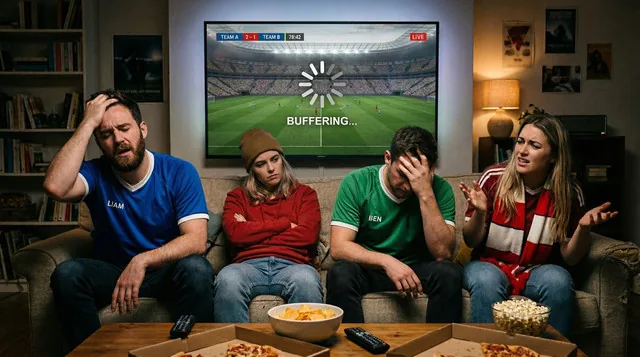
April is arguably the biggest month in the sporting calendar. With the NBA playoffs, UEFA Champions League knockouts, and massive combat sports PPVs all happening, millions of fans are glued to their screens. But if you are using a budget streaming service, you know the familiar dread: the match is tied, there are 10 seconds left on the clock, and suddenly… your screen freezes.
Search engines are currently flooded with users asking why their streams work perfectly for normal TV but crash entirely during big events. In this exclusive guide, we are pulling back the curtain on why live sports break cheap IPTV servers, how to reduce stream delay, and exactly how to optimize your setup before the next big kickoff.
The "Game-Day Crash": Why Cheap Servers Fail During PPV
If your stream works fine on a Tuesday afternoon but buffers endlessly during a Saturday night PPV, your internet is not the problem. The issue is Concurrent User Overload.
When a highly anticipated match begins, hundreds of thousands of users attempt to connect to the same server node simultaneously. Cheap providers use standard, single-location servers that simply cannot handle this sudden tidal wave of traffic. The server's bandwidth maxes out, and as a result, everyone’s stream starts buffering, lagging, or crashing entirely. This is often why users seek a more robust anti-freeze IPTV solution that can handle peak spikes.
The "Goal Spoil" Problem: Why Is Your Stream Delayed?
Have you ever heard your neighbor cheer for a goal 60 seconds before you see it on your screen? Live streaming latency is a major frustration for sports fans in 2026.
This delay happens because budget providers route their video feeds through multiple cheap, third-party relay servers before it finally reaches your home. Every relay adds 10 to 20 seconds of delay. To fix this, you need a provider that uses "direct-routing" technology, delivering the feed straight from the source to your television. For the ultimate experience, premium sports IPTV servers in Europe are designed to minimize this latency.
How to Optimize Your Setup Before Kickoff
Before the next big game, you can take matters into your own hands. Here are three quick steps to future-proof your sports streaming:
- Hardwire Your Connection: Wi-Fi is prone to packet loss. If you are using IPTV for Firestick or an Android box, use an Ethernet adapter to plug directly into your router.
- Upgrade Your App: Free apps struggle to process fast-moving 60FPS sports feeds. Ensure you are using a premium application. A proper IPTV provider with TiviMate or Smarters Pro handles live decoding much more efficiently.
- Clear Background RAM: Before opening your player, force-close all other background apps on your Smart TV or streaming stick to free up memory for live video processing.
The Ultimate Fix: Switch to a Premium Sports Provider
You cannot fix a server crash from your living room. If you want to watch high-stakes matches without anxiety, you must upgrade to a buffer-free provider built specifically for live sports traffic.
At IPTV Mate, our infrastructure is engineered differently. We deploy proprietary anti-freezing IPTV service technology utilizing global Content Delivery Networks (CDNs). When a big game starts, our load-balancing algorithms automatically distribute viewers across hundreds of high-speed enterprise servers. This ensures that even during a massive global PPV, nobody experiences server strain.
Because of this, we are widely rated as the best premium IPTV service in Europe and the absolute best IPTV for live sports. Our massive channel list includes every major sports network in the US, UK, Canada, and beyond, delivered in crystal-clear quality.
Don't Miss Another Moment
Tired of watching the loading wheel while everyone else watches the game? Upgrade to a true 4K IPTV subscription today. We invite you to test our servers during the next big match completely risk-free.